
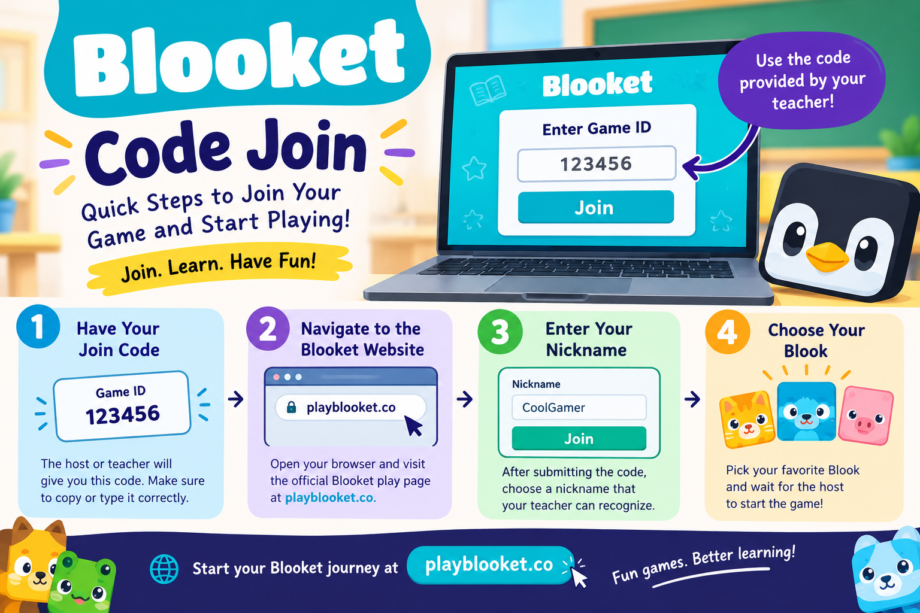
Joining a classroom game should be quick and easy, especially when everyone is waiting for the fun to begin. With Blooket, students can enter a live game using a code provided by the teacher or game host. If you are new to the platform, the blooket code join process only takes a few simple steps.
Step 1: Have Your Join Code
Before you can enter a live Blooket game, you need the game code. The teacher or host running the session will provide it to you. Make sure you copy or type the code carefully because even one incorrect number can prevent you from entering the game.
If your teacher provides a QR code or a direct join link instead, you can use those options as well.
Step 2: Navigate to the Blooket Website
Once you have the code, open your web browser and visit the official Blooket play page at play.blooket.com. You do not normally need a student account just to enter a live game.
Look for the area where you can enter the Game ID. Type the code supplied by your teacher into the box and continue.
Step 3: Enter Your Nickname
After submitting the code, Blooket will ask you to enter a nickname. Choose a name that your teacher can easily recognize. Some games may also use randomly generated names if that setting has been enabled by the host.
Step 4: Choose Your Blook
Once your nickname is accepted, you can select a Blook while waiting in the lobby. Your Blook is the character you use during the game. Pick your favorite and wait for the host to begin.
What If the Code Does Not Work?
If your blooket code join attempt fails, first check that you entered every number correctly. You should also confirm with your teacher that the game is still active and that you have the current code.
A teacher can provide a new Game ID, QR code, or join link when starting a Blooket session.
Start Playing
After everyone has joined, the host can start the game. From there, simply follow the questions and game instructions on your screen. Blooket combines classroom review with interactive game modes, making ordinary practice sessions more engaging.
The next time your teacher says, “Get your Blooket code ready,” you will know exactly what to do: get the code, visit the Blooket play page, enter your nickname, choose a Blook, and wait for the game to start.
